- Home
- Account Status
- How do I change my phone number in the Octopus Driver App?
Changing your phone number is now easier than ever! Follow the steps below to learn how to update your phone number on file with Octopus:
- Open the Octopus Driver App:

2. Tap Account on the bottom right:
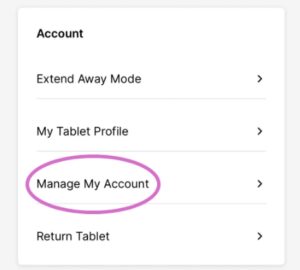
3. Under Account, select Manage My Account:
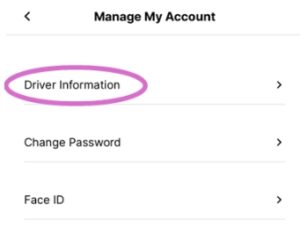
4. Tap Driver Information:
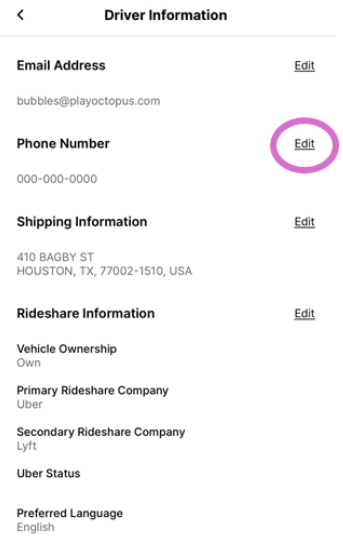
5. Tap Edit next to Phone Number:
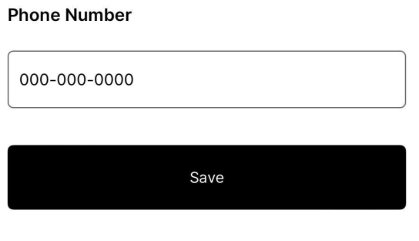
6. Enter your new phone number and tap Save: