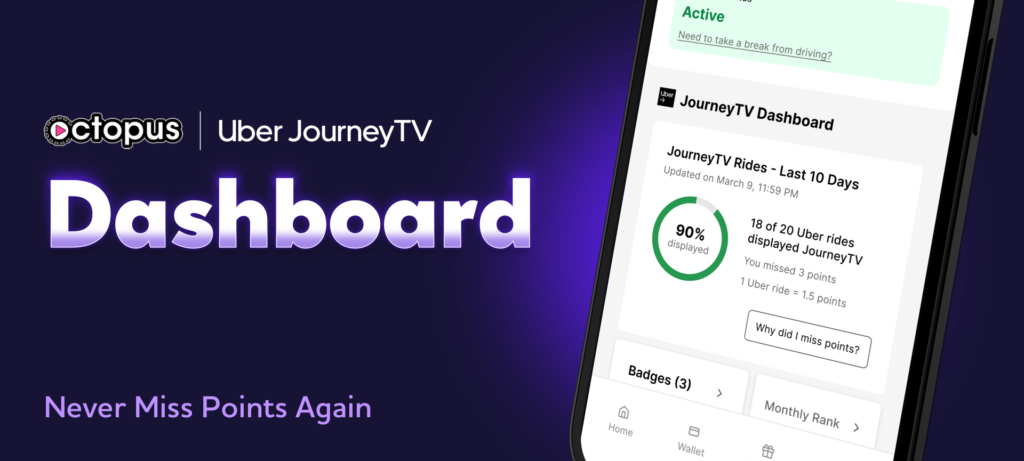
Meet the JourneyTV Dashboard, your new performance command center inside the Octopus Driver app. At the center of it all is your JourneyTV Score, a real time percentage that shows exactly how many of your Uber rides are actively displaying JourneyTV.
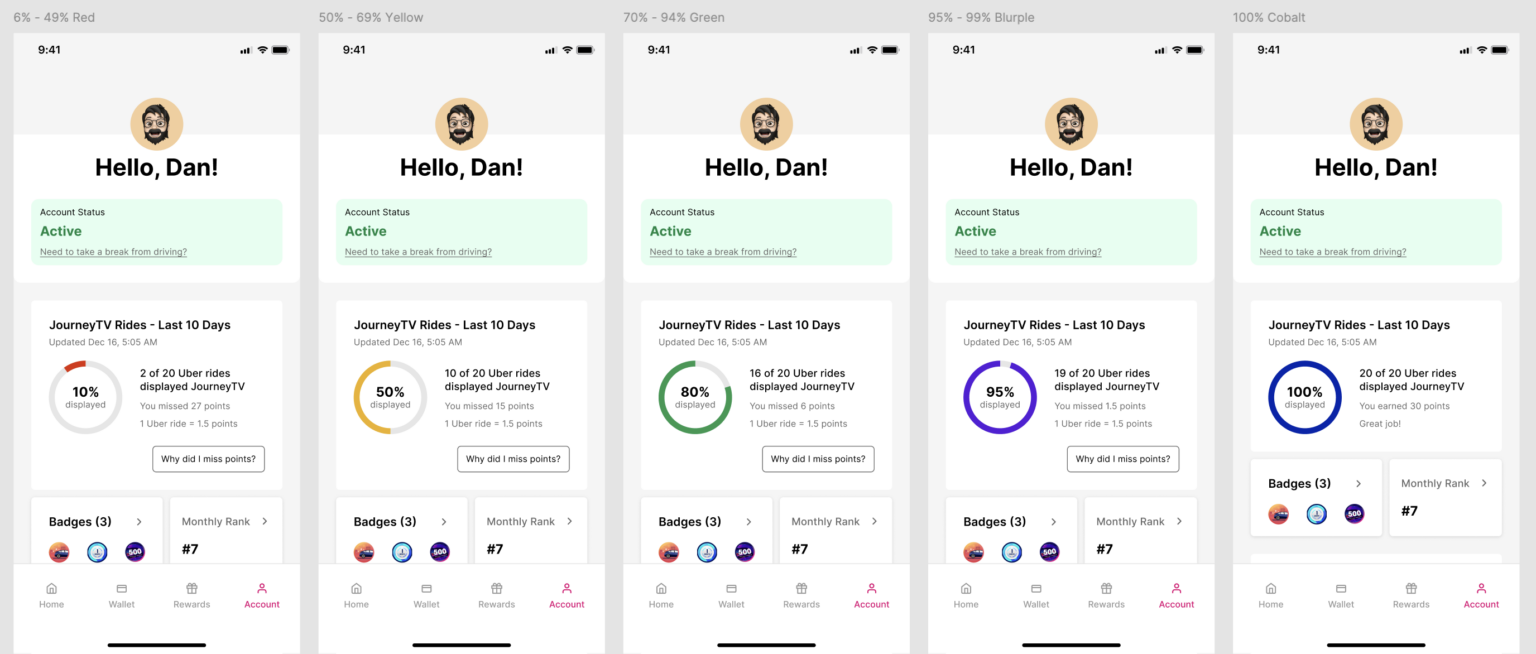
The JourneyTV Dashboard helps you stay sharp and maximize your Octopus earnings by highlighting missed tablet connections so you can turn more rides into points every shift. The higher your score climbs, the stronger your earning potential becomes.
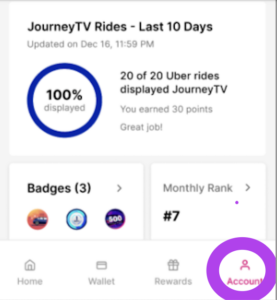
Finding it in the Octopus Driver app is simple. Just tap the Account tab on the lower navigation bar, and there it is.
Check the JourneyTV Dashboard often to keep your JourneyTV Score strong, and stay tuned for upcoming challenges and promotions that will put it to the test. Be sure your Uber account is linked to JourneyTV so you are eligible for every opportunity.
Alongside tracking points, cashing out, and staying updated through the Driver’s Seat newsfeed, the Octopus Driver app is quickly becoming essential to driving smarter and earning more.
Open/Download the Octopus Driver app: