
Skip to main content

- Open the Octopus Driver App:
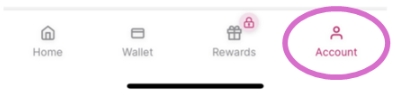
2. Tap Account on the bottom right of the screen:
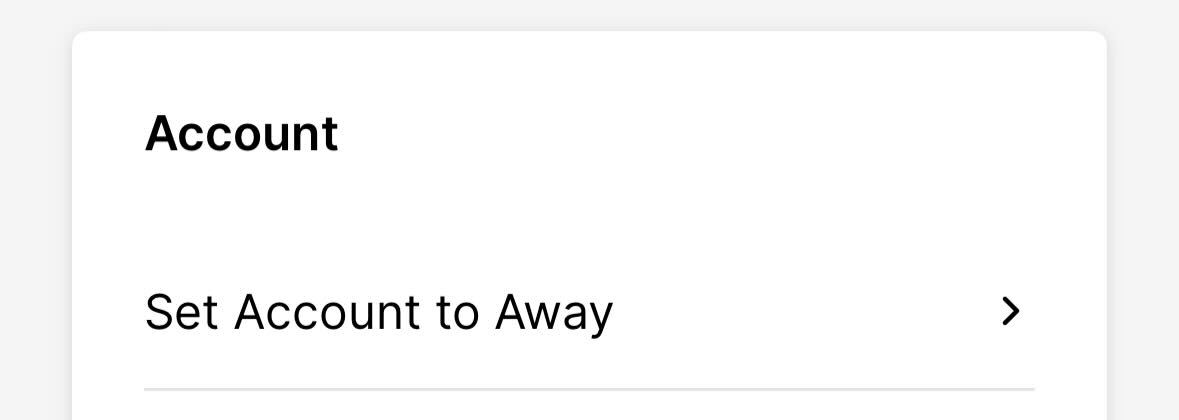
3. Tap Set Account to Away:
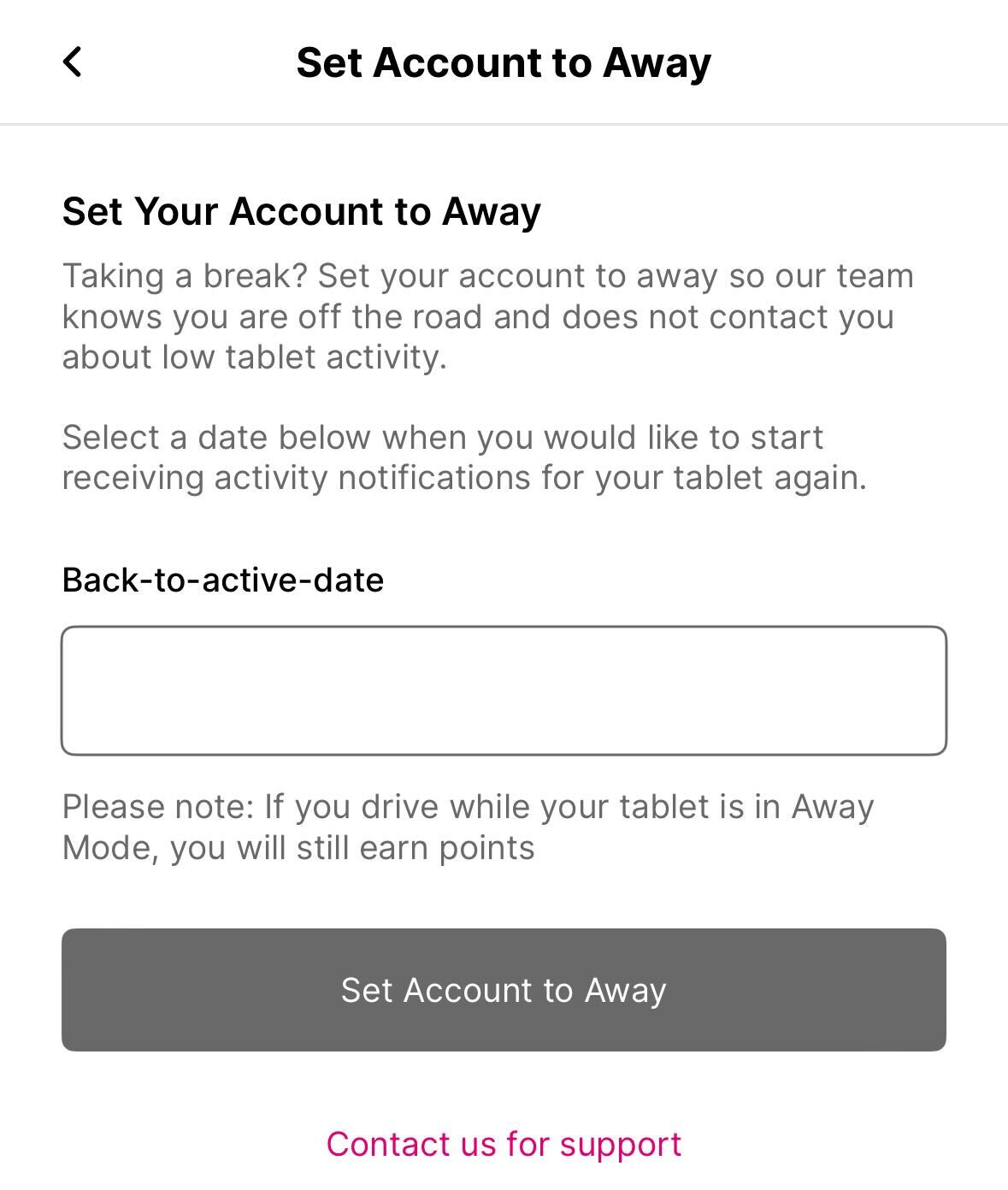
4. Choose a Back-to-active-date and tap Set Account to Away: