- Home
- Account Status
- How do I change my phone number?
Changing your phone number is now easier than ever! Follow the steps below to learn how to update your phone number on file with Octopus:
- Open the Octopus Driver App:

2. Tap Account on the bottom right:
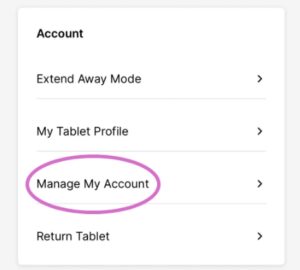
3. Under Account, select Manage My Account:
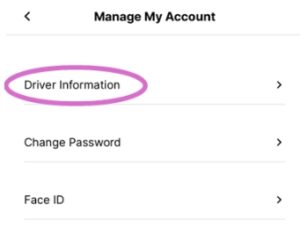
4. Tap Driver Information:
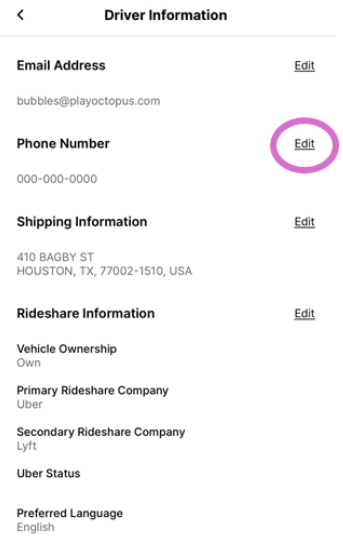
5. Tap Edit next to Phone Number:
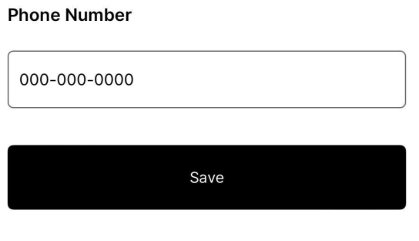
6. Enter your new phone number and tap Save: