How do I change the address on my account using the Octopus Driver App?

Skip to main content

Changing your address is now easier than ever! Follow the steps below to learn how to update your address on file with Octopus:

  1. Open the Octopus Driver App:

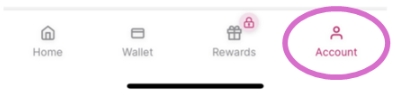
2. Tap Account on the bottom right:

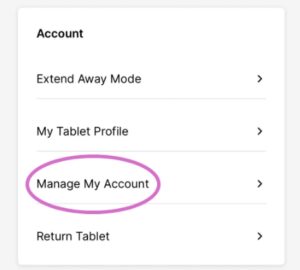
3. Under Account, select Manage My Account:

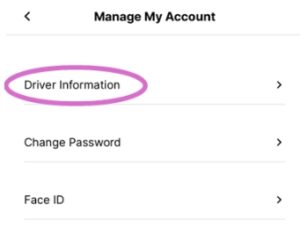
4. Tap Driver Information:

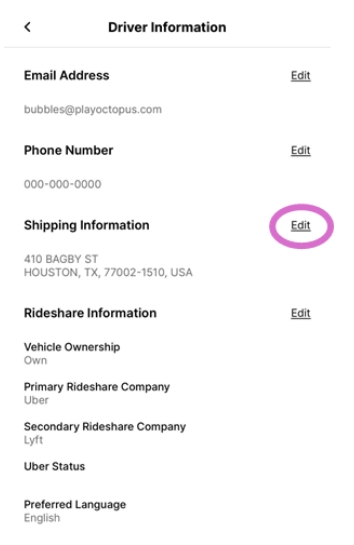
5. Tap Edit next to Shipping Information:

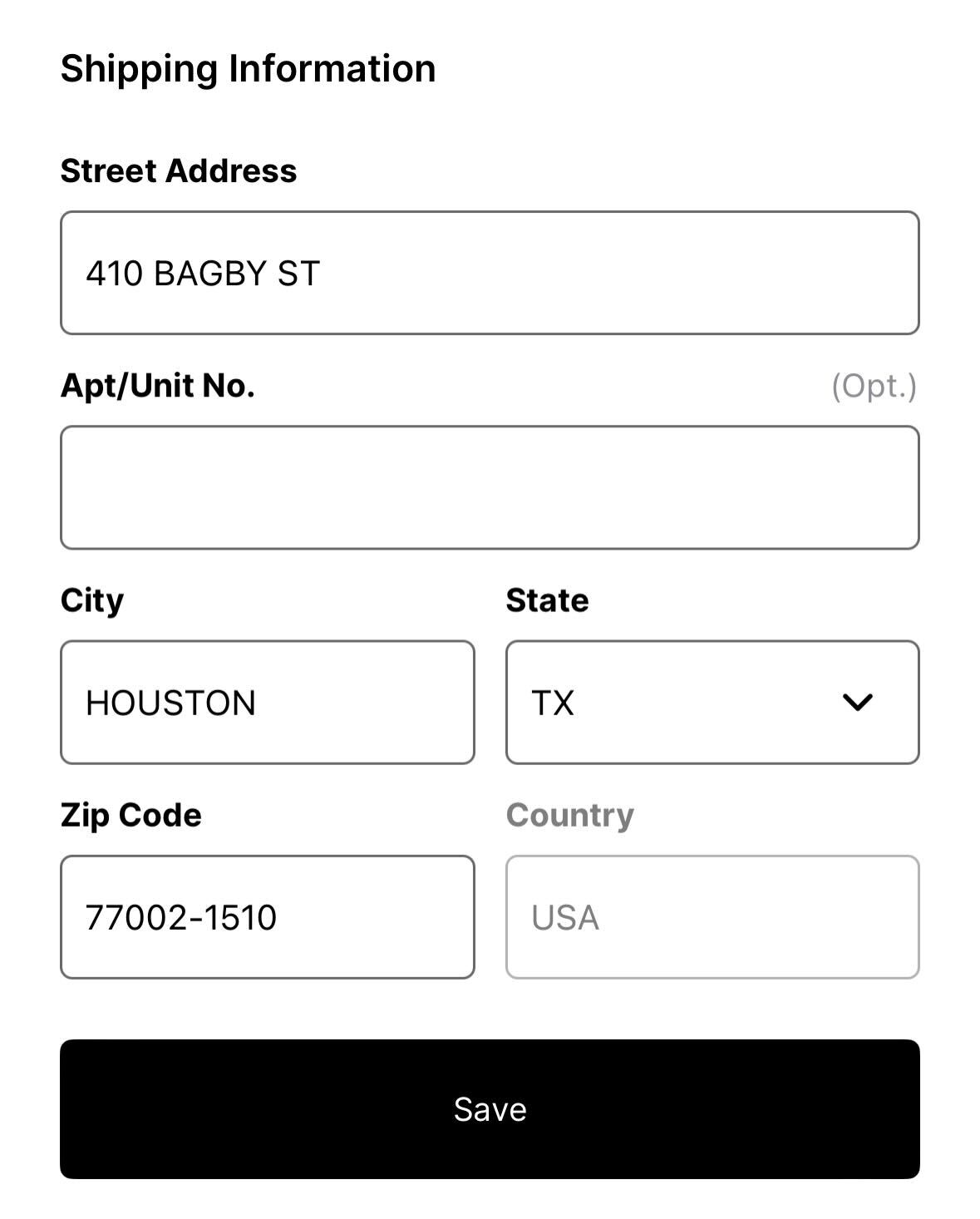
6. Enter your new address and tap Save:
Need more help?

If you have any other questions, please let us know by submitting a support ticket below: