How do I update my email using the Octopus Driver App?

Skip to main content

Updating your email is now easier than ever! Follow the steps below to learn how to update your email on file with Octopus:

  1. Open the Octopus Driver App:

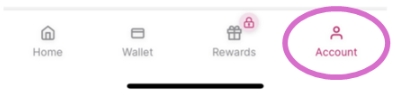
2. Tap Account on the bottom right:

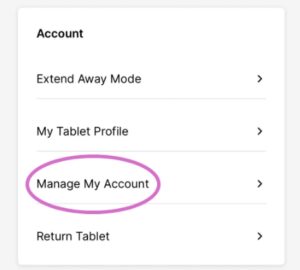
3. Under Account, select Manage My Account:

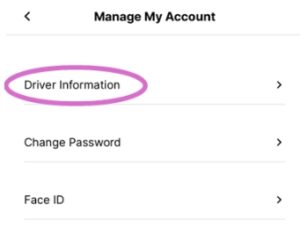
4. Tap Driver Information:

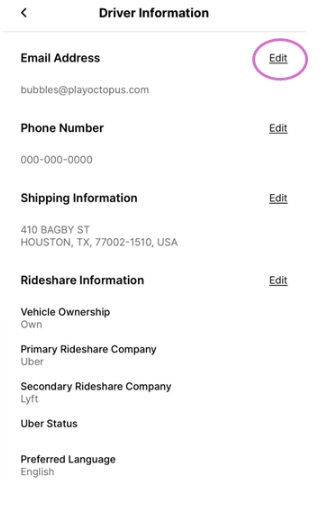
5. Tap Edit next to Email Address:

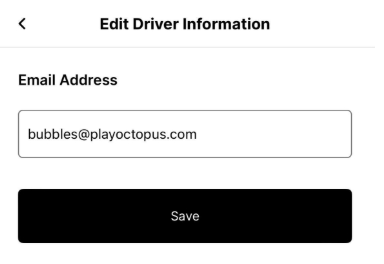
6. Enter your new email and tap Save:

Need more help?

If you have any other questions, please let us know by submitting a support ticket below: