Tablet Tips

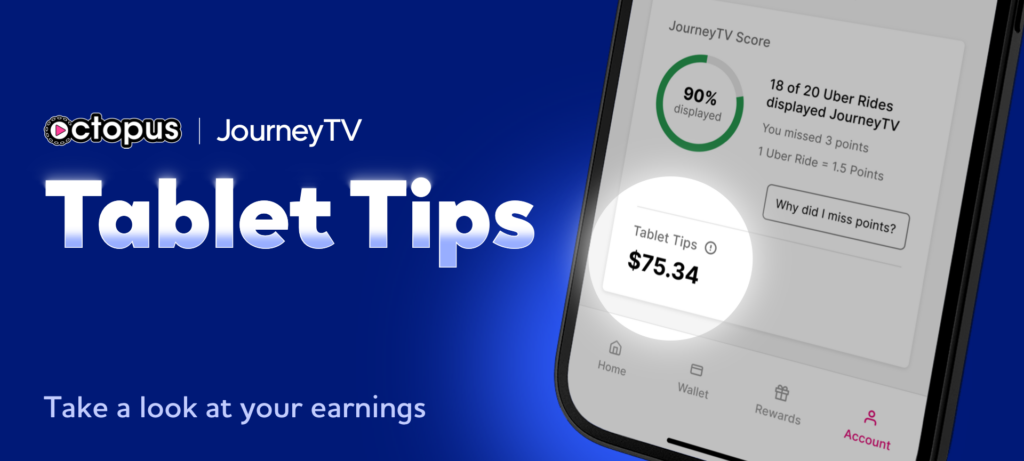
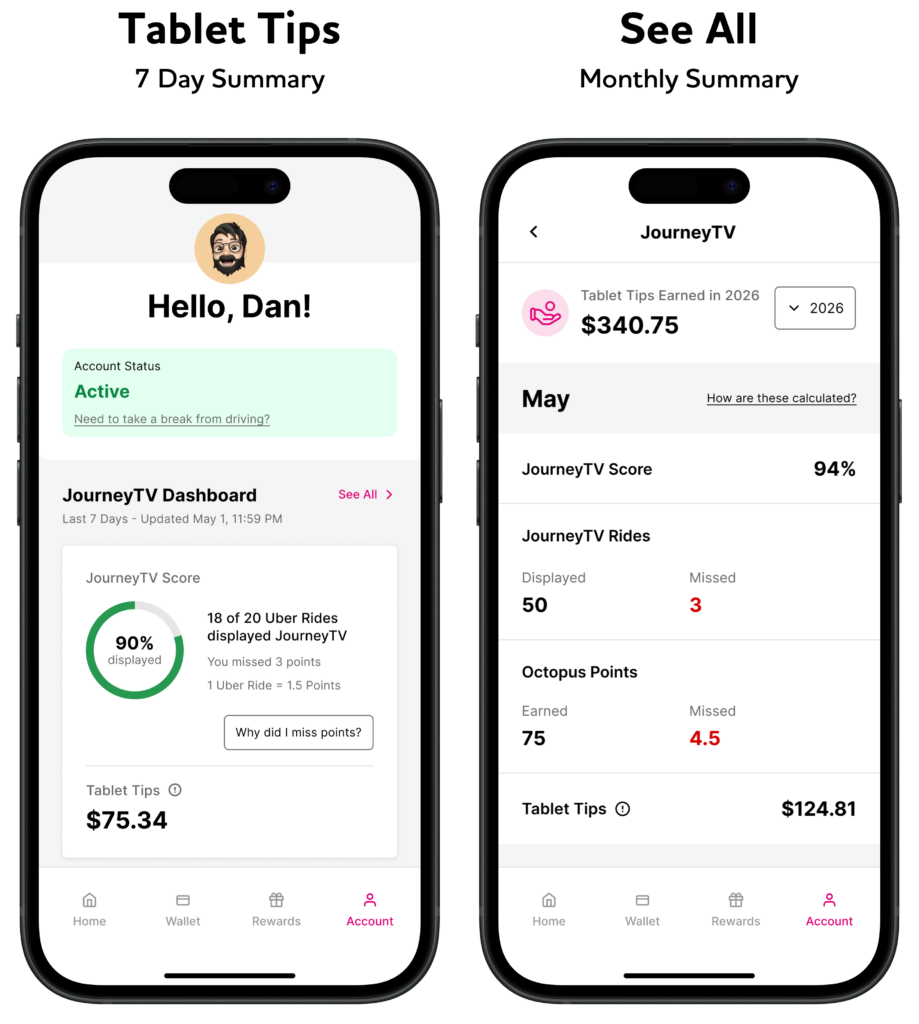
Your Octopus Driver app Dashboard has an upgrade! JourneyTV-connected drivers can now follow the money trail straight from the back seat, with a clear view of exactly how much passengers are tipping using the Octopus tablet. Your Tablet Tips can now be viewed in your Driver app Dashboard, alongside your JourneyTV Score, giving a more complete picture of your performance and earnings. Whether you are fine-tuning your routine or looking for new ways to boost consistency, this is your go-to resource for making every ride count and every tip more intentional.
Tip #1: The 5-Second Spotlight
A quick mention at the start goes a long way. After greeting your rider, casually point out the tablet. A simple cue puts it on their radar without overdoing it.
Tip #2: Keep It Alive
A powered-down tablet cannot earn. Make it a habit to check your setup after every trip to ensure it is charged, visible, and ready to go.
Tip #3: Let It Work for You
You do not need a full pitch. Once the tablet is active and visible, it becomes part of the ride experience. A light touch often leads to better engagement.
Tip #4: Watch Your Dashboard, Not Your Guesswork
Use the new Dashboard to spot patterns. More tips on days you mention the tablet? Higher engagement during certain hours? Let the data coach you.
Tip #5: Finish Strong
The final moments matter. A smooth drop-off and a professional close leave a lasting impression, and that is often when tipping decisions happen.

Got a Great Tip Story?

If you have had a ride that turned into a memorable tip, we want to hear about it. Share your experience in the comments below and help other drivers learn what works on the road, from rider interaction to how you use JourneyTV during trips. Each quarter, selected drivers and stories will be featured in our Tip of the Month spotlight and receive a cash bonus! 

Related Posts

Car Week 2026

Journey Tourney

The JourneyTV Dashboard

Leave a Comment

Leave a Reply

No comments yet. Be the first to comment!