Please follow the steps below to update your payment information:
1. Open the Octopus Driver App:
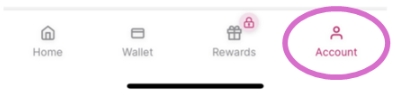
2. Press on Account in the bottom right corner:
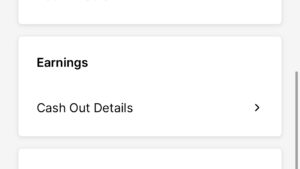
3. In Earnings, press on Cash Out Details:
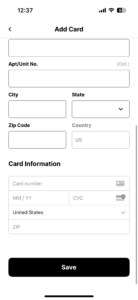
5. Select Debit Card, fill out the information, and press Save:
Debit Card:
Please note: New Card updates may take 24-48 hours for review and approval by our payment provider.
Our drivers can find information on debit Instant Payouts, and the list of banks that support this feature at the following link: https://stripe.com/docs/payouts/instant-payouts-banks