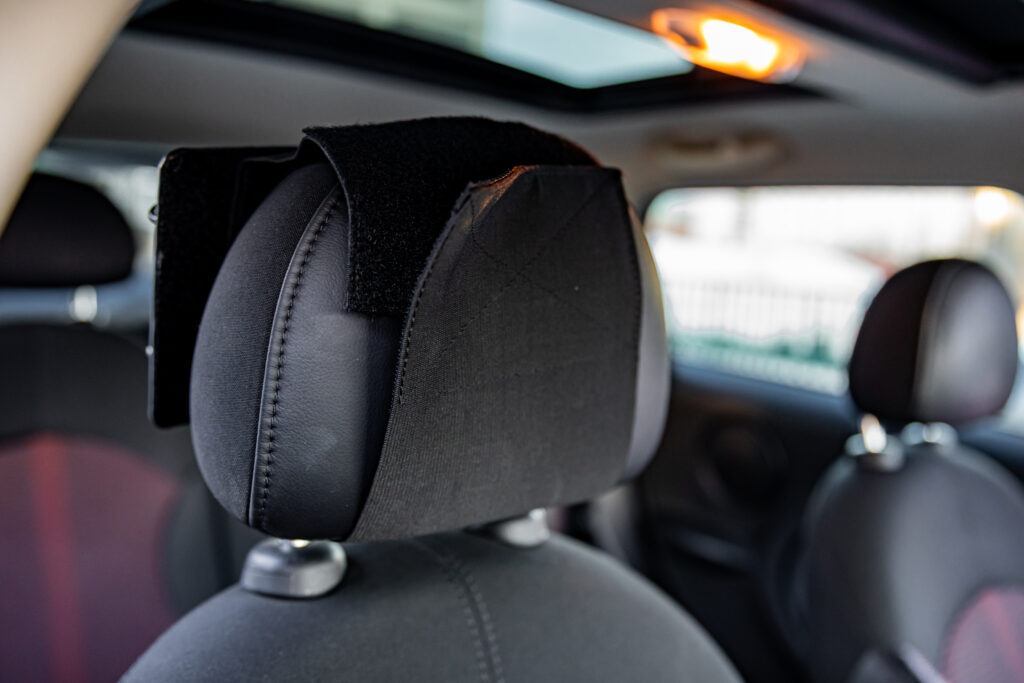
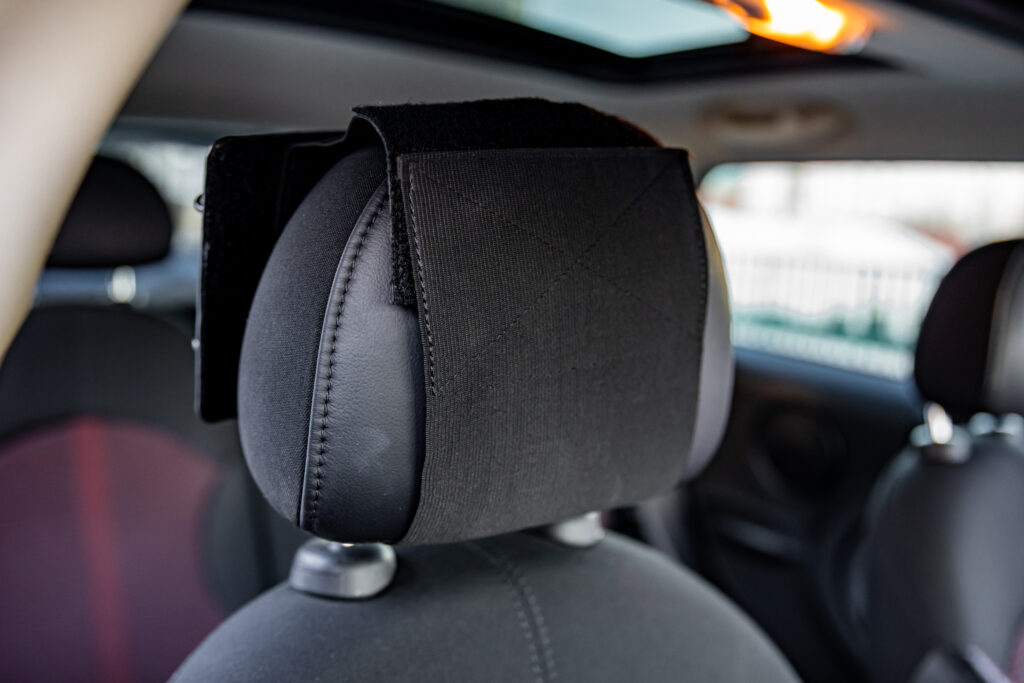
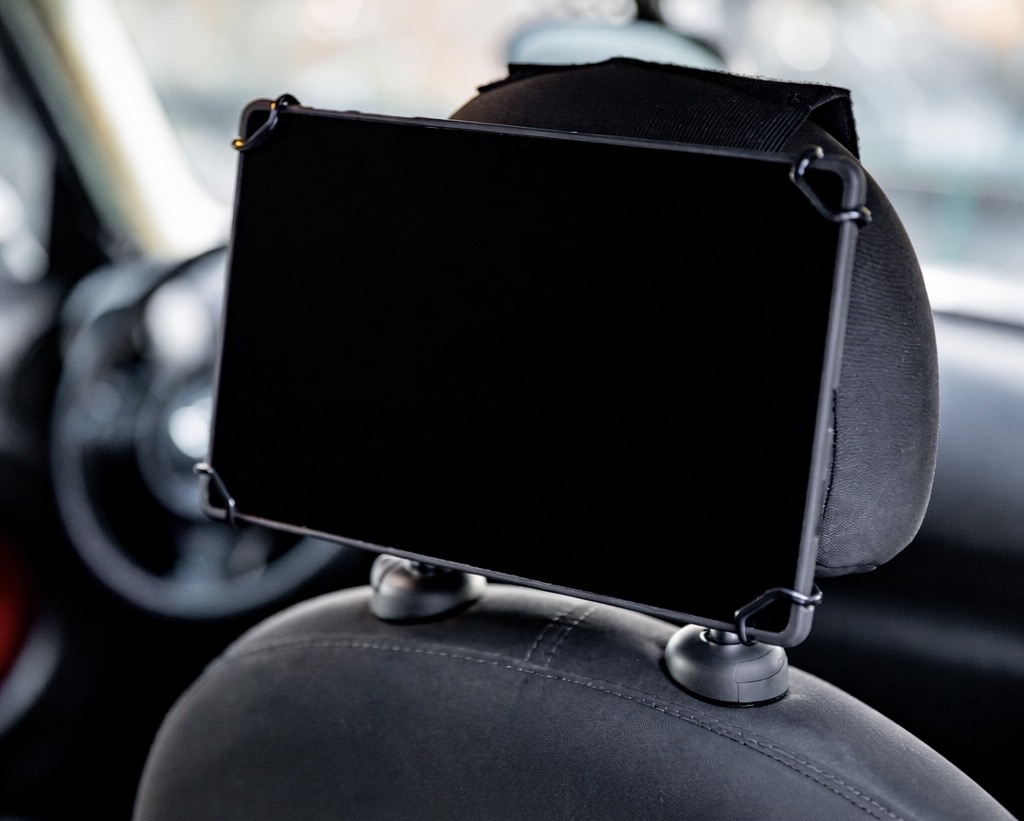
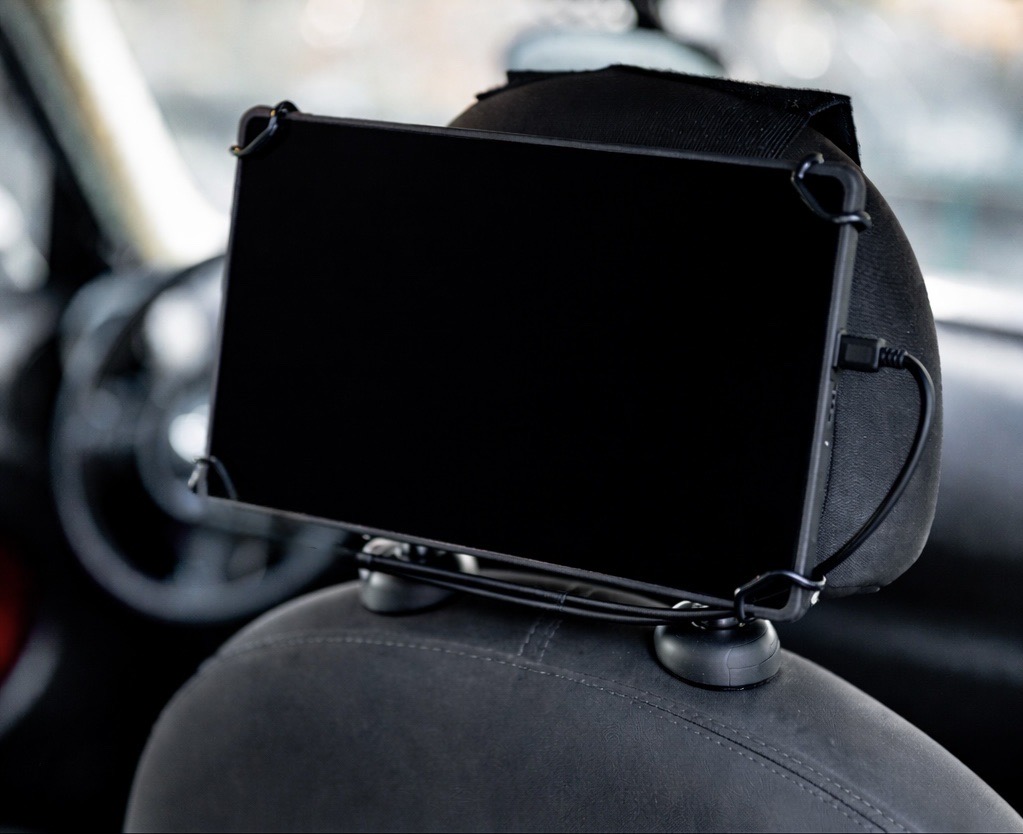
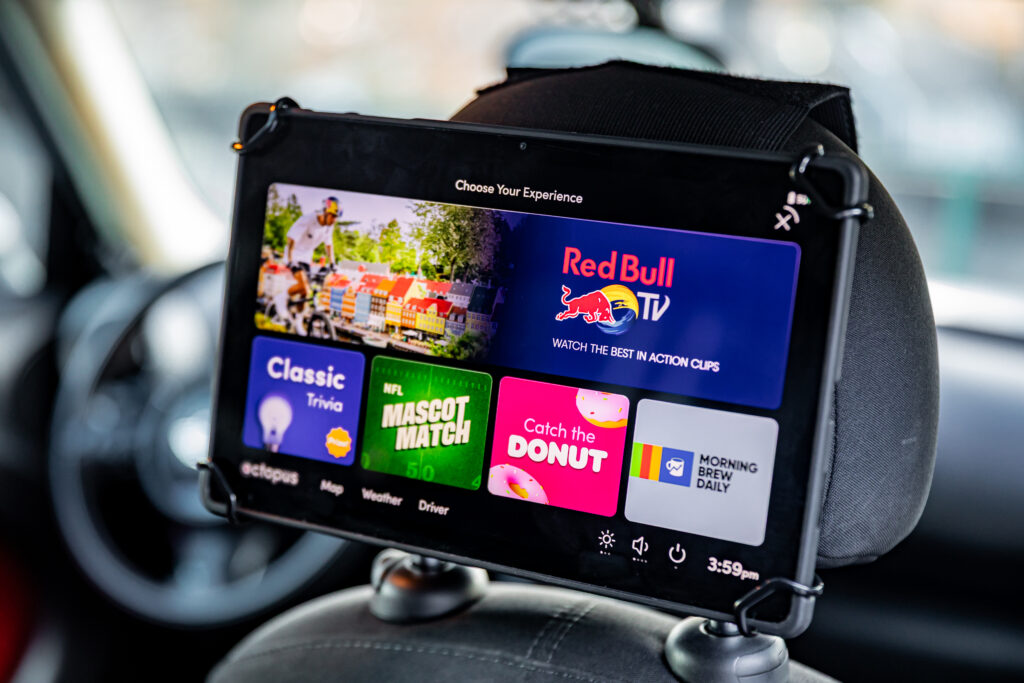
It is essential that your tablet remains properly mounted with the cable wrapped around the headrest rods so that you earn points for driving with the tablet. NYC Drivers-Only: TLC inspectors will monitor the tablet mounting and cords for tripping hazards.
Step 1:Wrap the velcro sleeve vertically around the headrest of the front passenger seat.
Step 2: Ensure that the velcro strap is straight and tightly secured.
Step 3: Secure tablet in corner clips by stretching clips to all four corners.
Step 4: Plug cable into tablet; wrap cable up and around tablet, with excess cable placed between mount and device. Plug cable into USB port.
Step 5: Hold Power Button down for 5-10 seconds to turn on the tablet.
Maintaining Your Tablet
Tablet turning off and on?
You may notice the tablet turning off and on once or twice a week — don’t worry, that just means it’s installing updates.
Manually resetting the tablet
To reset the tablet, please hold down the power button located on the right side of the tablet for at least 15 seconds or until the tablet reboots.
We recommend charging the tablet for at least 15 minutes before restarting.
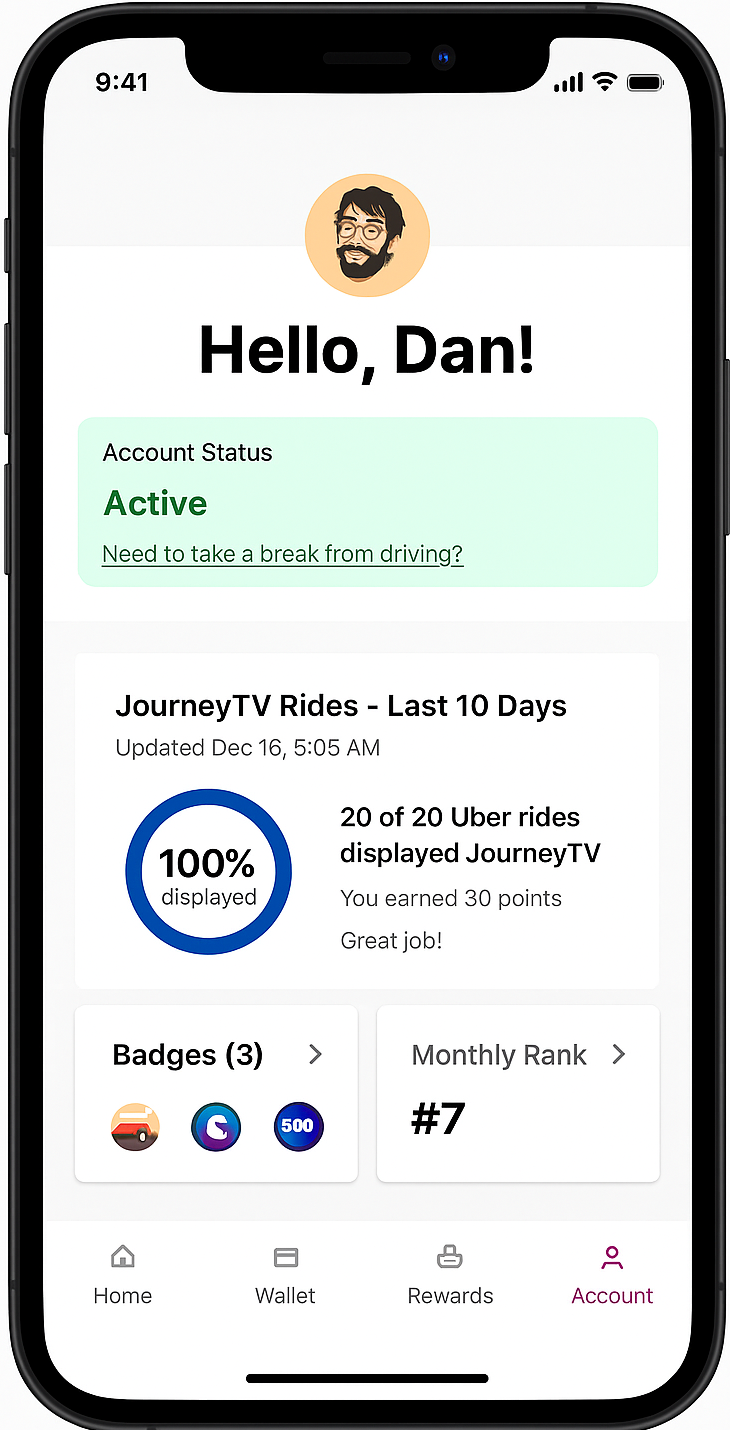
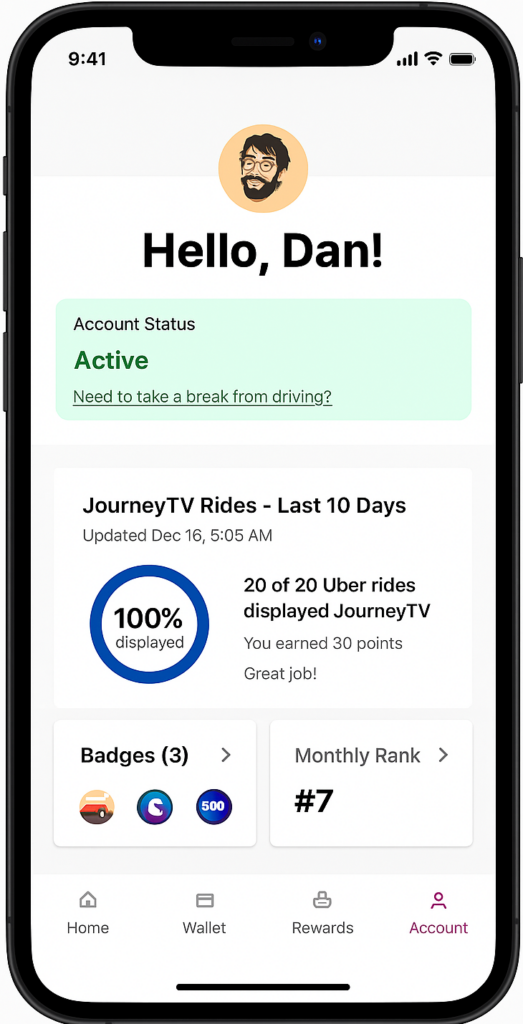
With the app, you can check your points, earnings, and account status on hand. Also, it will show a breakdown of your recent Uber rides where JourneyTV was succesfully displayed.
Receive Notifications from the Octopus team
Get instant alerts about exciting contests and upcoming events, so you never miss a chance to earn more awards!
Payouts
Cash out quickly and securely—right from the app. You can transfer your earnings directly to your debit card or treat yourself with a gift card via Prizeout.
Taking a Break from Driving?
If you’re taking a break or going on vacation, place your account on a temporary pause—it’s quick and easy.
Driver Dashboard
Track your payouts, points and referrals from our mobile-friendly website. Driver Dashboard updates twice per day (once in the morning, once in the evening).
Every Uber ride gives you 1.5 points. The more you drive, the quicker you earn cash.
Account Status
You can check your account status anytime to make sure you’re active and ready to earn with Octopus. If you’re taking a break or going on vacation, place your account on a temporary pause—it’s quick and easy.
Payouts
Once you reach 250 points, you’ll earn $25 in your Octopus account. When you’re ready, you can transfer your earnings directly to your debit card or treat yourself with a gift card via Prizeout.
Rewards
Visit the Rewards tab to discover exclusive offers just for our drivers—like discounts for car washes, auto parts stores, and vehicle services. Check back often to make the most of your perks.
How to Get Paid - Octopus Driver App
Step 1: Open the Octopus Driver App:
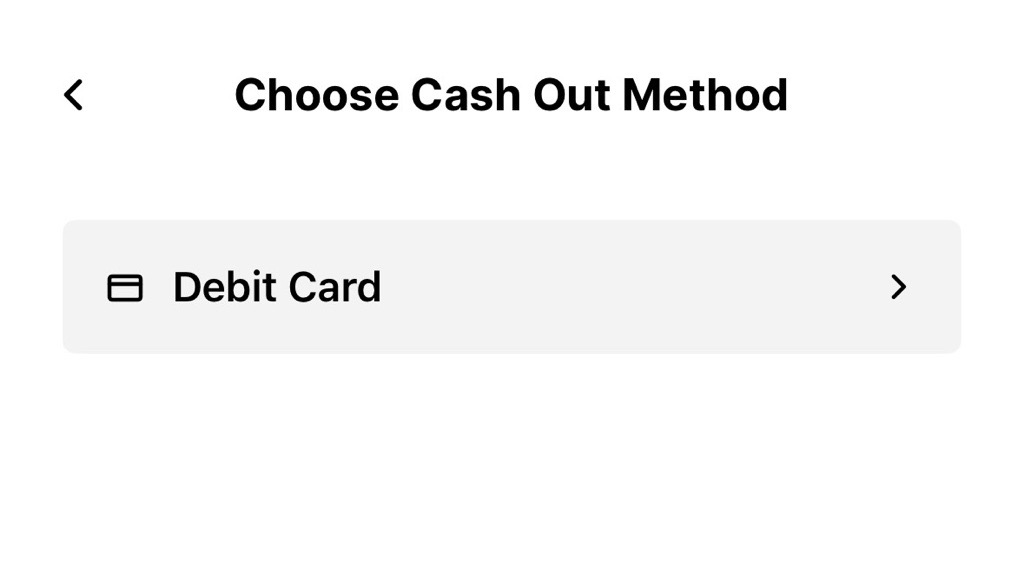
Step 4: Select Debit Card:
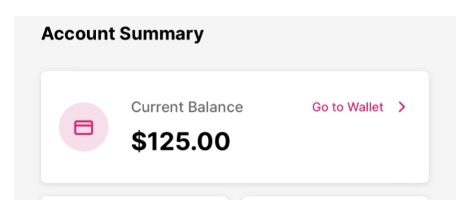
Step 2: Tap Go to Wallet at the bottom of the screen:
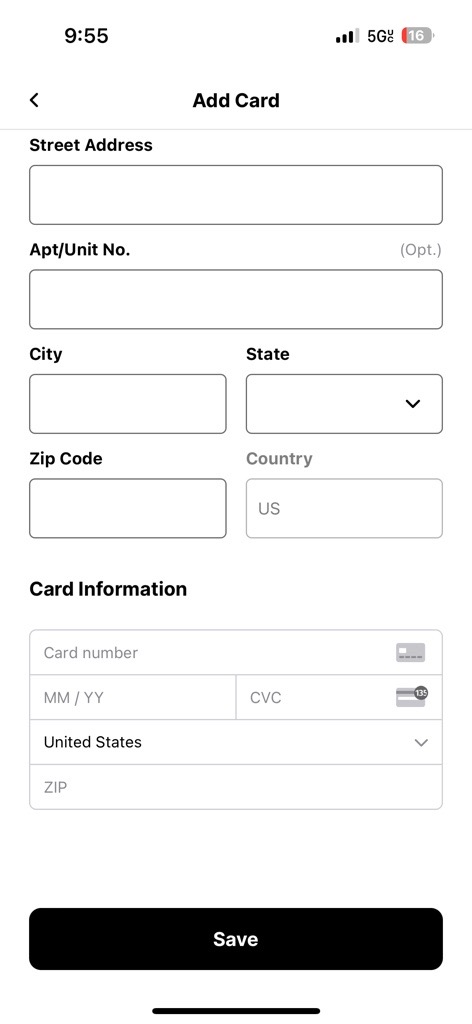
Step 5: If you do not have payment information on file, fill out the payment information and tap Save before cashing out. Please note that it will take 24-48 hours for a newly added card to be approved.
Step 3: Select the box on the payout(s) you want to cash out:
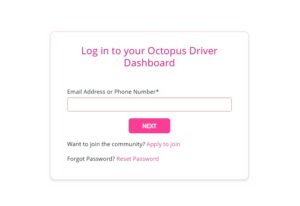
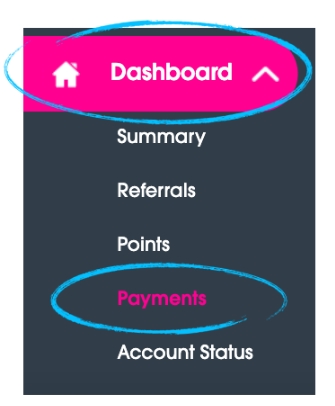
Step 3: Click on the Dashboard button on the left side of the screen and the Payments link to see if you have an available cash out:
Step 2: Click the three lines at the top of the dashboard, as seen below:
Step 4: If you have a cash out available, click the pink CASH OUT button next to the payment you would like to receive. The cash out will arrive to your linked account within 3-5 business days.
Please note: Payments will not be automatically deposited to your linked account with Octopus. It is necessary to cash out your earnings manually. You may also let your payments accumulate in your account, however, please note there is a $100 daily maximum cash out.
PERKS: Badges, Rewards & More
Exclusive Badges
Earn fun badges for your driver profile when you hit driving milestones or your passengers win prizes on your tablet.
Milestone Rewards
As a token of appreciation of your loyalty, receive exclusive gifts as you reach Octopus milestones.
Free Replacement Parts
Get free replacement charging equipment and other accessories at any time to help keep your tablet running: playoctopus.com/help/equipment/
Taking a Break from Driving?
We know drivers may need to take time off the road. If you plan on taking a break from driving, you may put the 100-trip-per-month requirement on hold* by completing the following steps: *Please Note: Even when your account is paused, you will still earn points when driving.
Step 1: Open the Octopus Driver App:
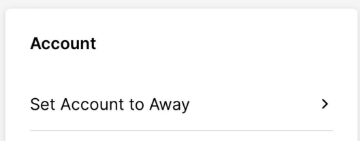
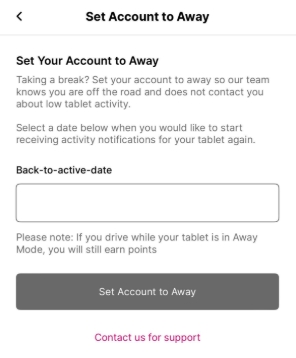
Step 3: Tap Set Account to Away:
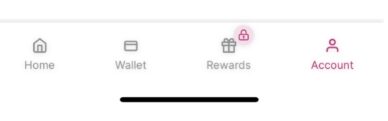
Step 2: Tap Account on the bottom right of the screen:
Step 4: Choose a Back-to-active-date and tap Set Account to Away: